 PaNasMs
Pavlo's NAS Management System
Your NAS.
Within reach.
A browser-based home for your DIY ARM64 NAS. Manage files, disks, users and network connections, with optional modules for the things you need.
Take a look insideIn active development
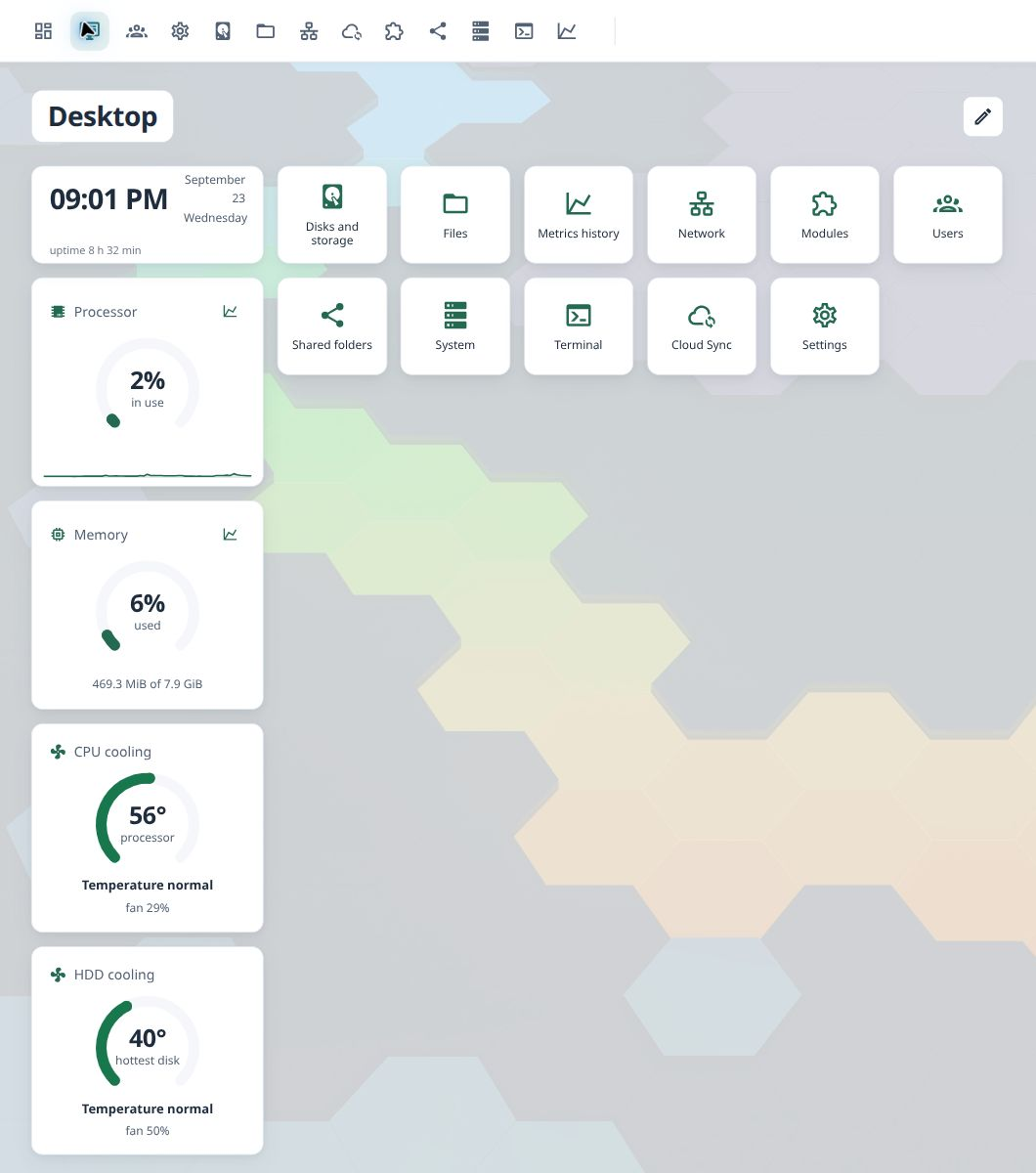
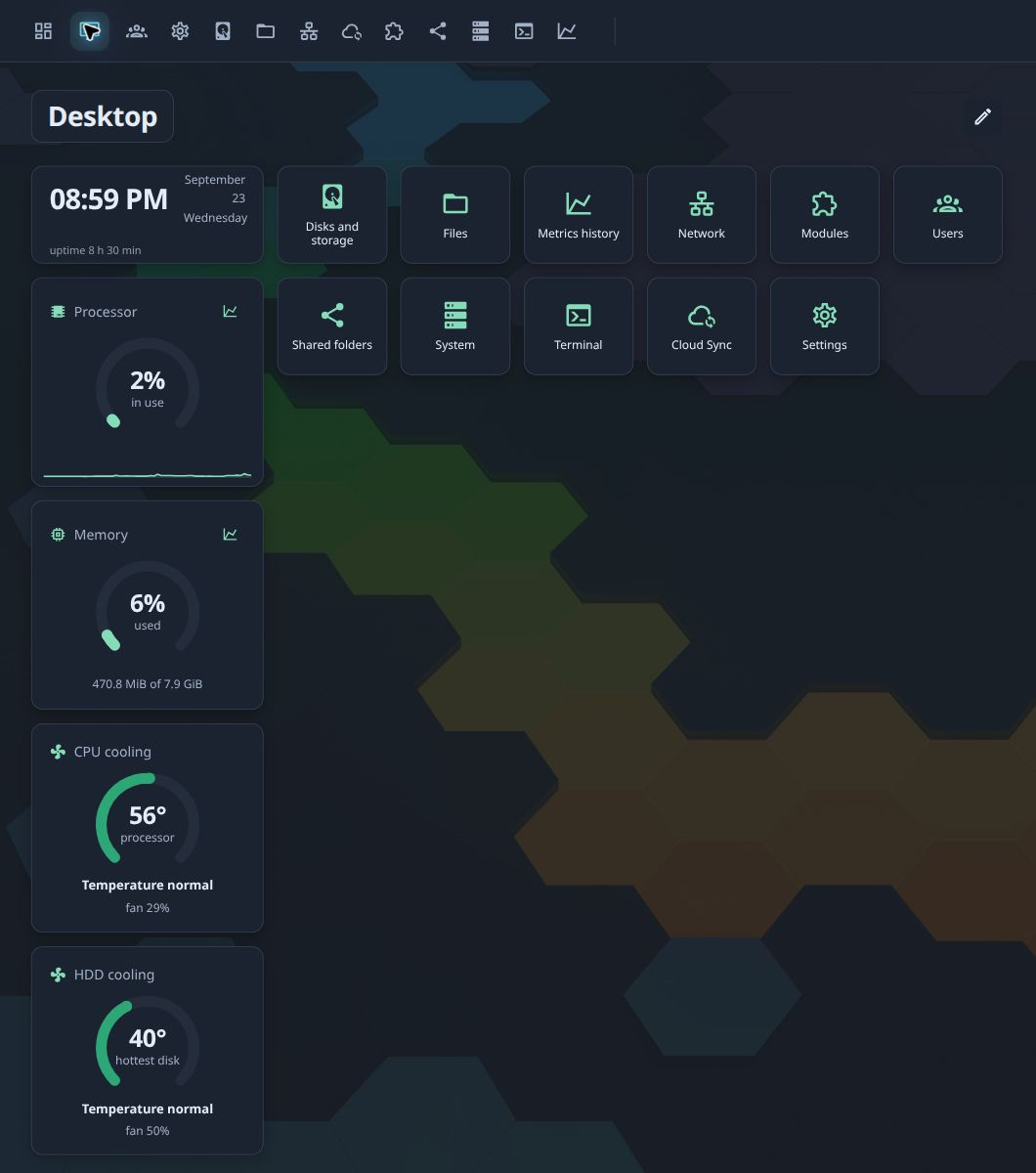
DIY · ARM64
Made for DIY ARM64 NAS builds.
Start with your own board, drives and enclosure. PaNasMs is developed and tested on our Raspberry Pi 5 NAS. Support for x64 (AMD64) is planned, but has not been tested or brought to a supported state.
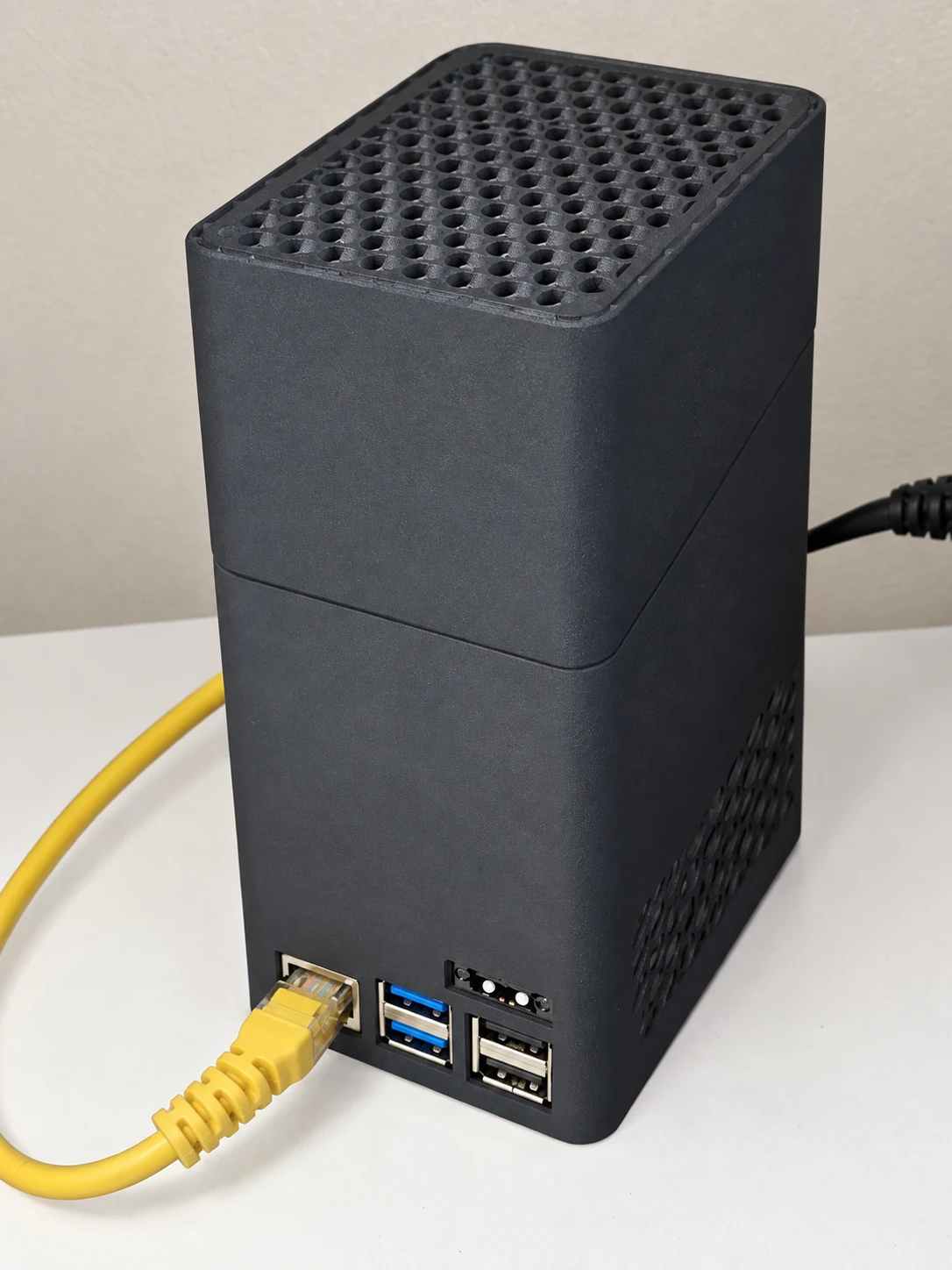
Meet our first NAS build ↗
Raspberry Pi 5 + Radxa Penta SATA HAT · assembly photos, parts and disk cooling wiring.
A familiar place to manage it all
Less guesswork.
More control.
From moving a folder to checking a disk, each part of PaNasMs has a clear job. Here is what you can do today.
01 Files
Your folders,
where you expect them.
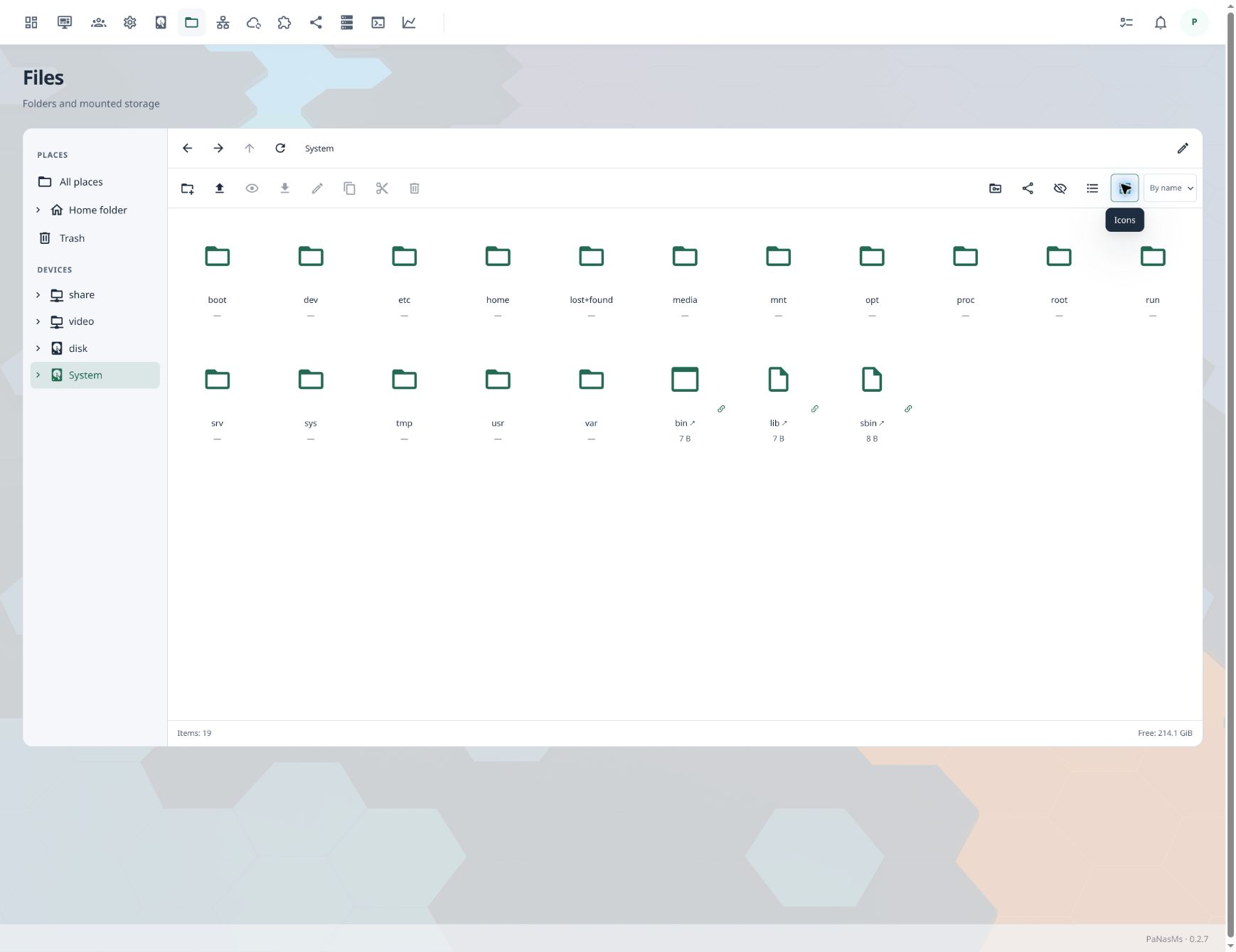
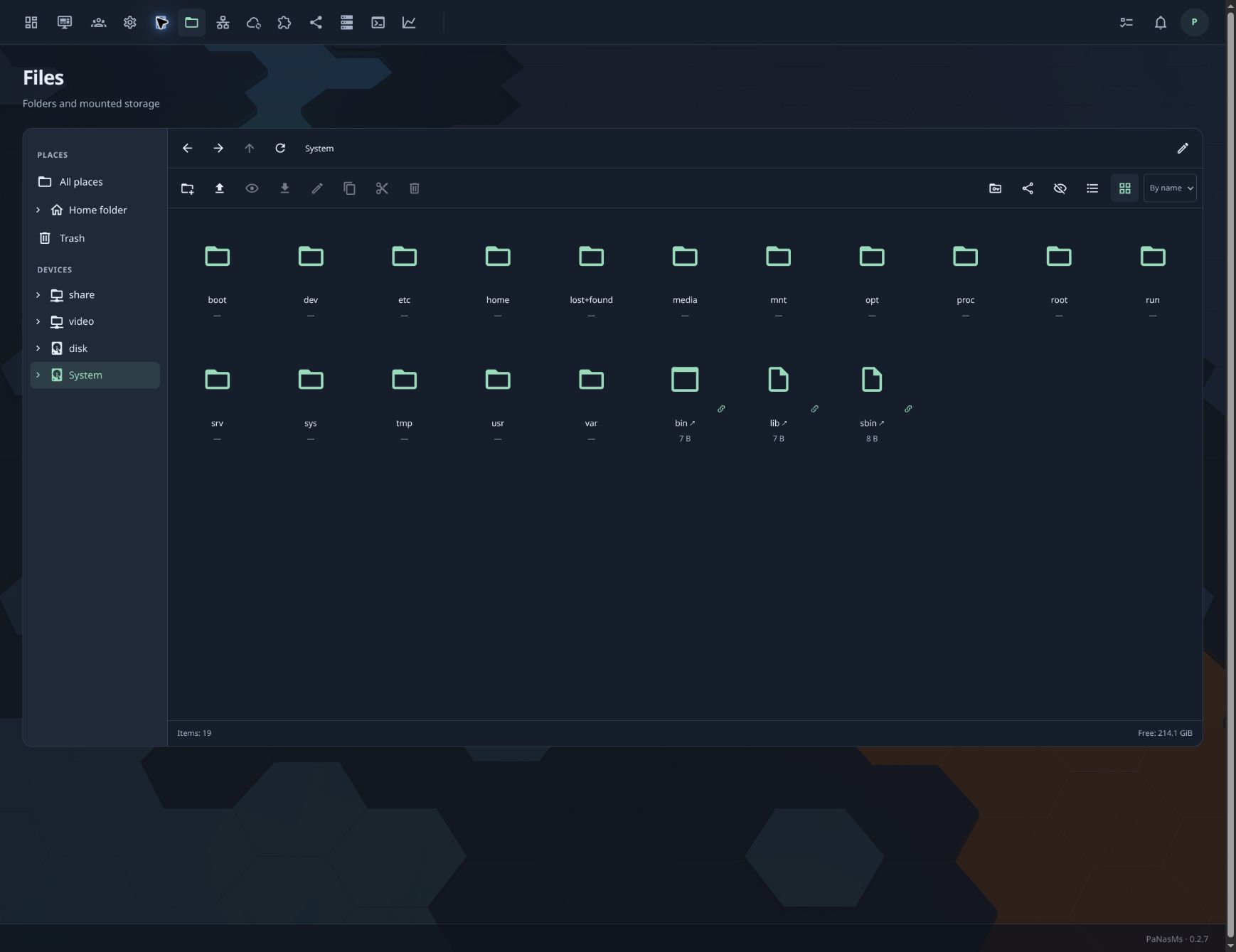
Browse local storage and connected network folders in one place. Upload files by dropping them into the browser, organise folders and recover items from the trash.
- Bulk copy, move and delete with conflict choices
- Background transfers continue across module navigation
- Folder tree, thumbnails, trash and access permissions
02 Storage
Know what is
happening to your disks.
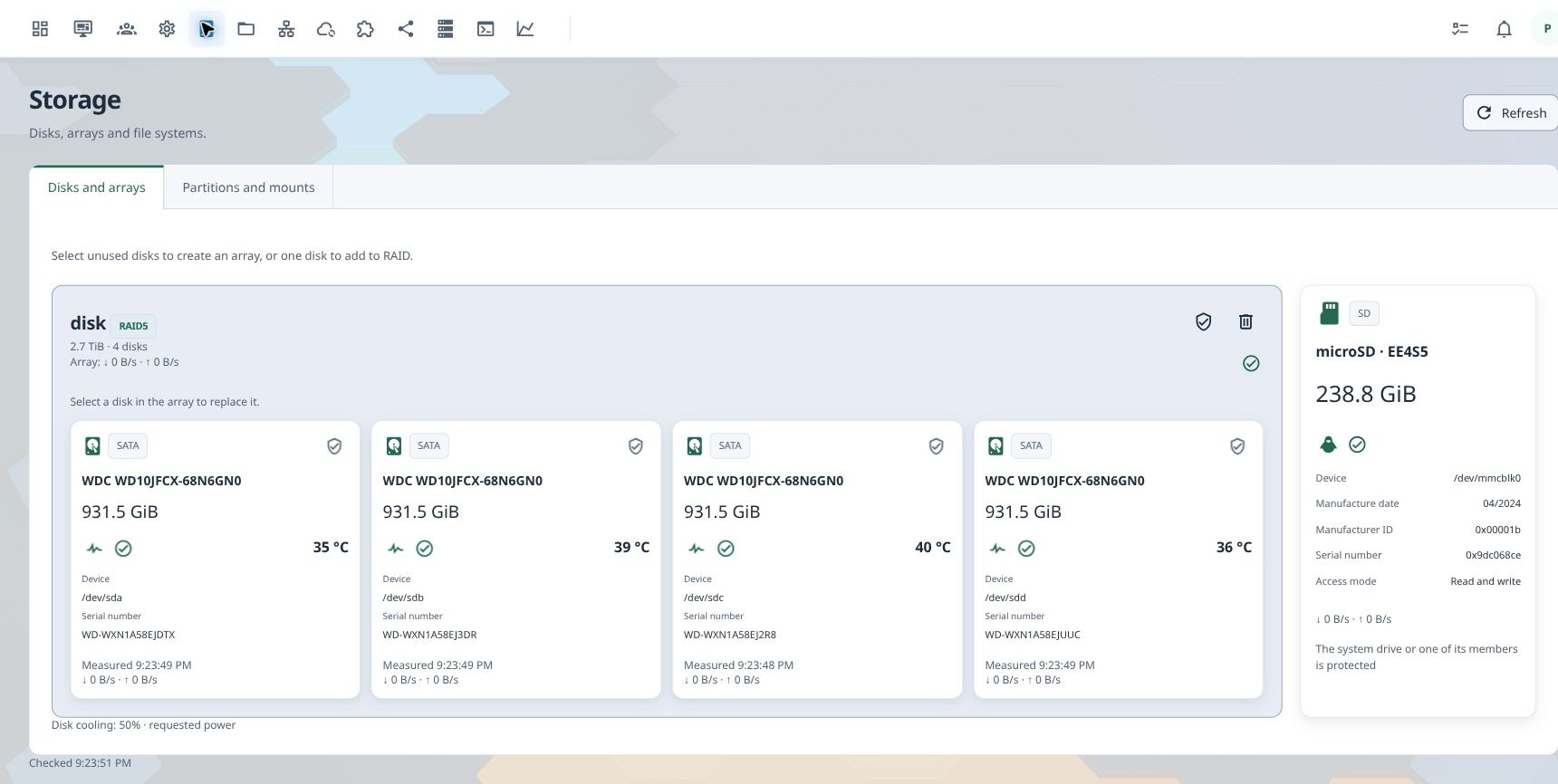
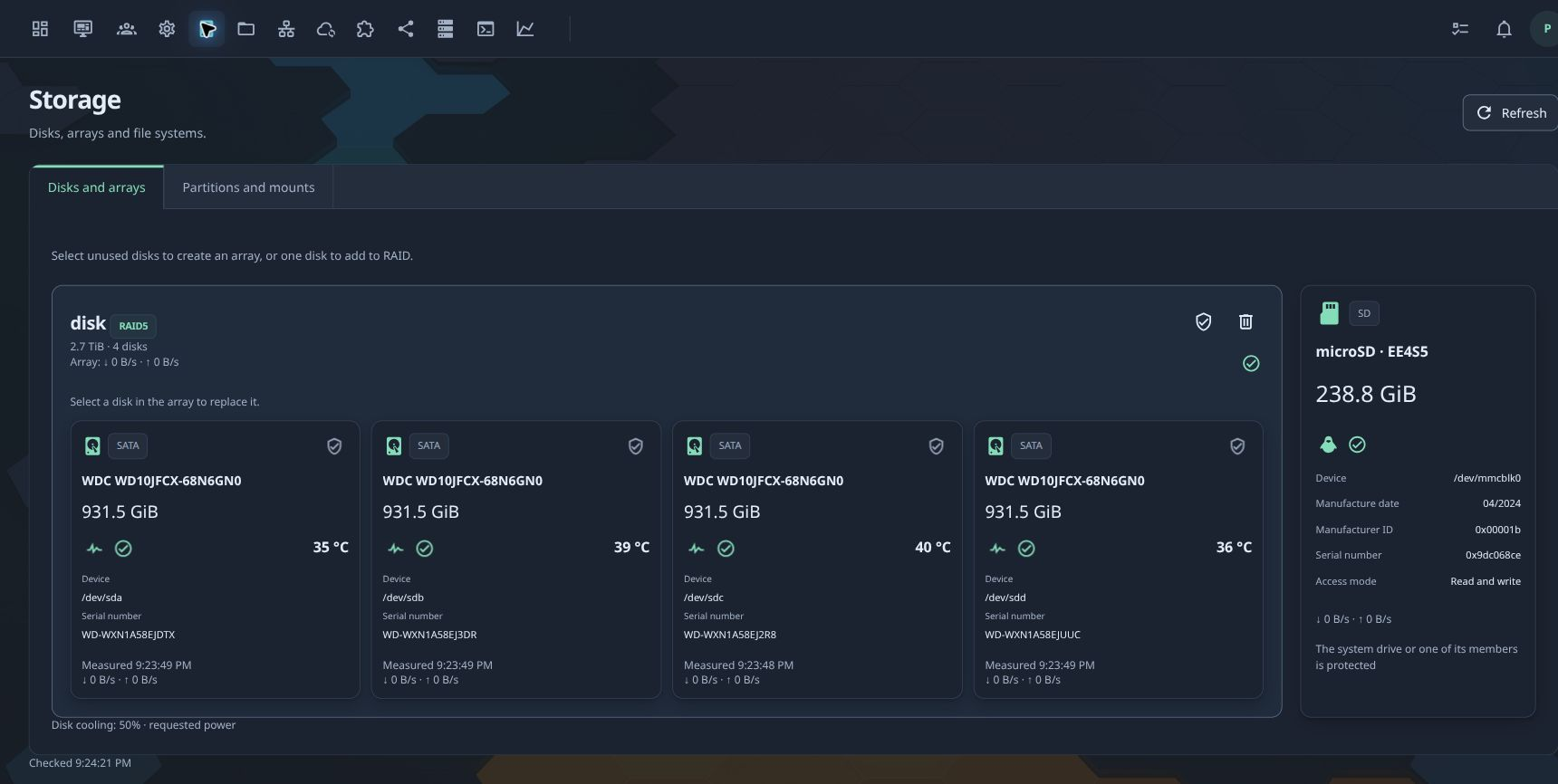
See your drives and disk arrays together. Check temperatures and health, manage partitions and mounts, and follow the progress of RAID maintenance.
- RAID maintenance with progress and pause/resume
- Scheduled SMART tests and their results
- Partitions, local/remote mounts, disk sleep and cooling
03 People & access
A place for everyone.
Access you decide.
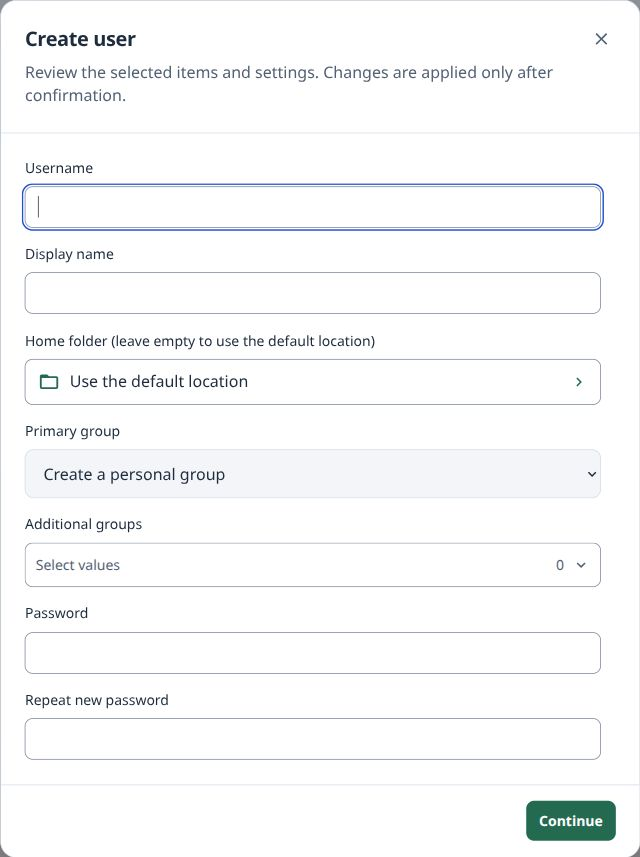
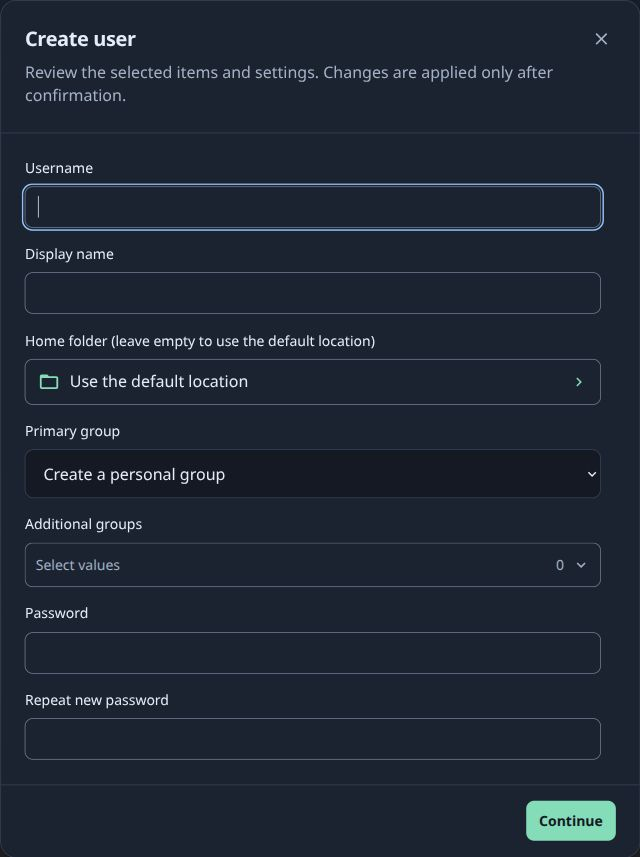
Use your existing Linux accounts. Create users and groups, choose home folders and control who can use shared folders over SMB or NFS.
- Linux users, groups, SSH keys and session controls
- SMB/NFS shares with explicit access permissions
- Personal language, theme, wallpaper and desktop layout
04 Network
Connect your NAS.
Or share its connection.
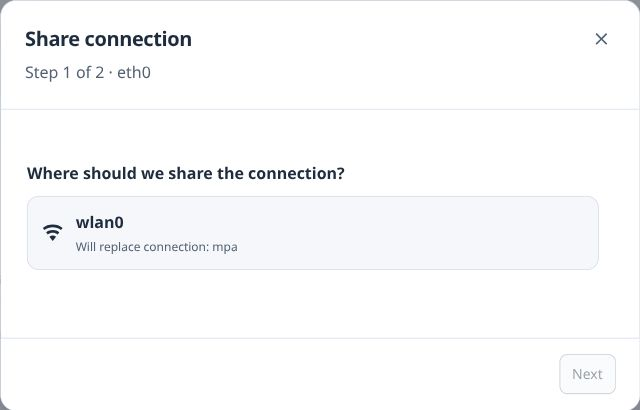
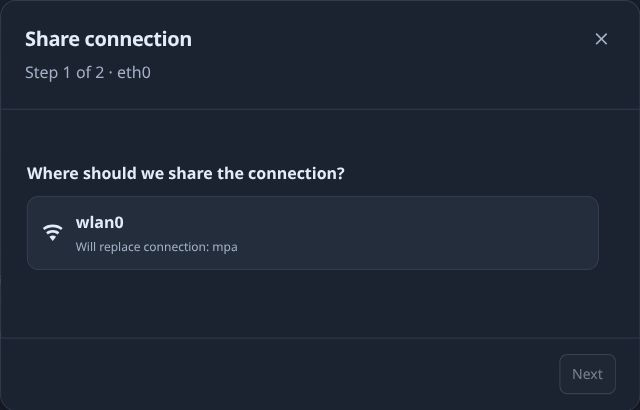
Manage wired and Wi-Fi adapters. A simple wizard helps you share a connection over another Ethernet adapter or a supported Wi-Fi access point.
- Ethernet and Wi-Fi in one place
- Connection sharing with multiple adapters
- Confirmation and rollback for network changes
05 Make it yours
Add the tools
you actually need.
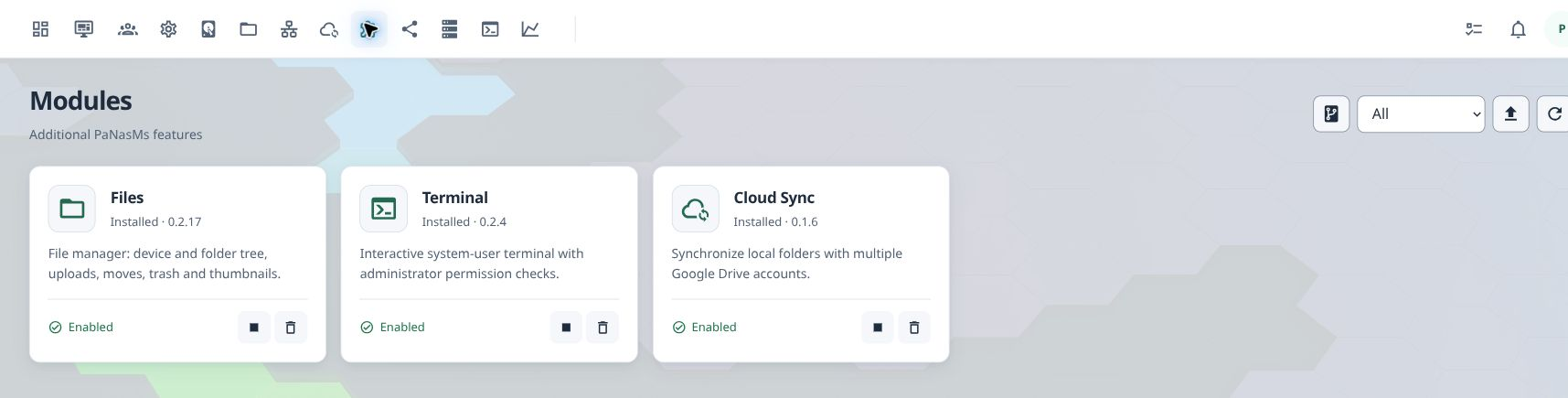
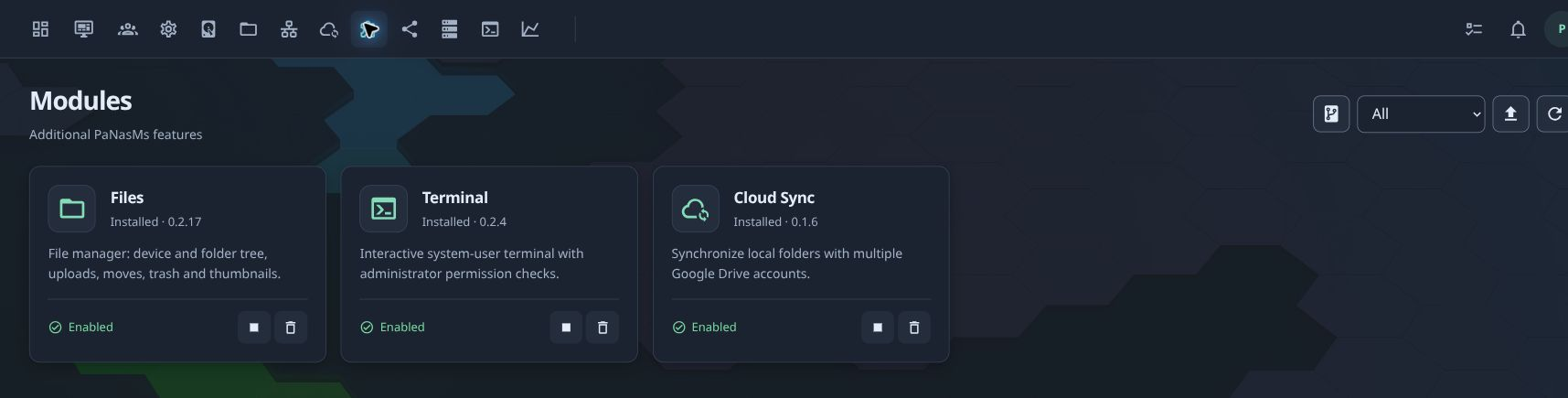
Install optional features from the catalog or a package file. Files, Terminal, Cloud Sync and Containers and applications have their own versions and can be managed independently.
- Install from a catalog or archive; manage dependencies
- Add your own module repositories
- Terminal tabs stay active when you switch modules
06 Docker
More than storage.
Run your own services.
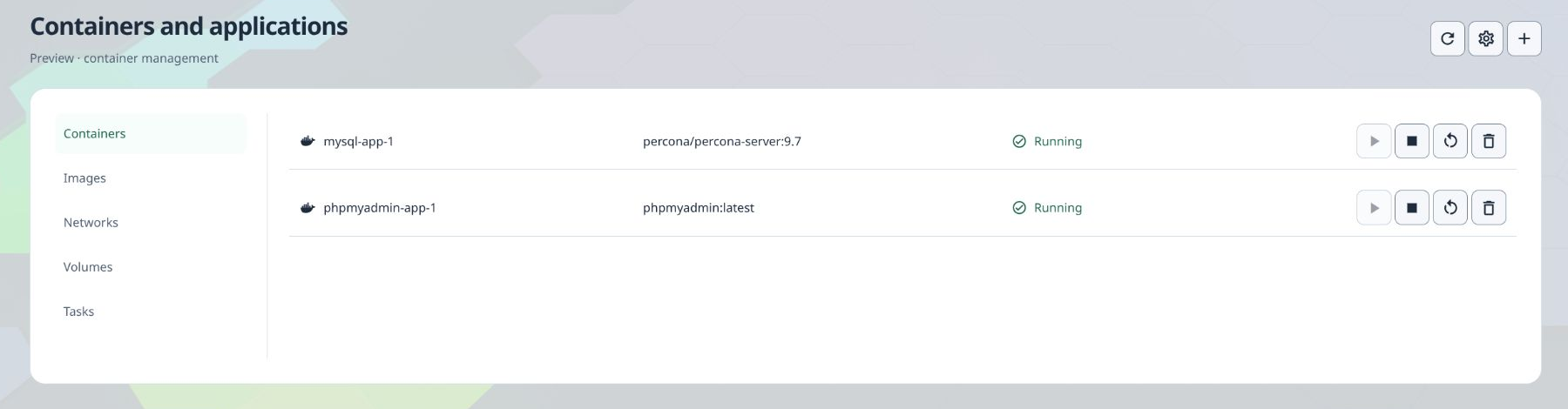
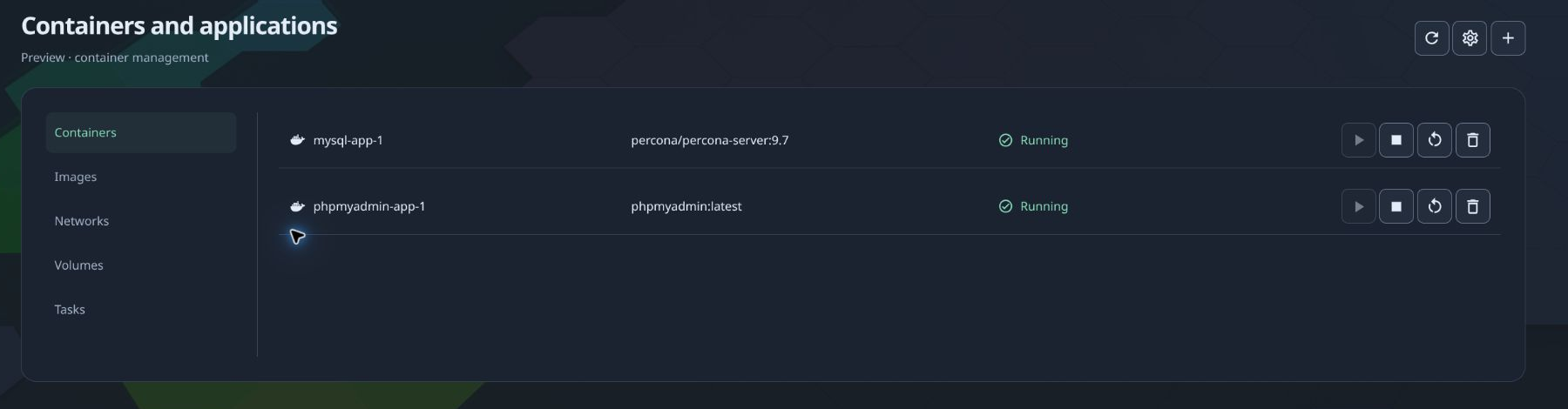
The optional Containers and applications module brings Docker into PaNasMs. Run a database or a web tool, connect services and manage them from the same interface. This is an administrator-only preview. Application catalog and new Compose deployment are not available in this preview
- Find images on Docker Hub or use a registry address; choose a tag and check processor compatibility
- Create containers from downloaded images with forms for ports, environment variables and folders
- Start, stop and restart; inspect logs and live resource use; manage networks and volumes
- Detect existing Docker, install missing dependencies and move its storage from settings
07 Google Drive
Choose the folders.
Choose the direction.
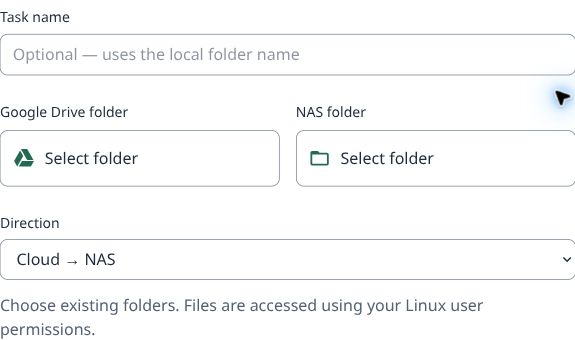
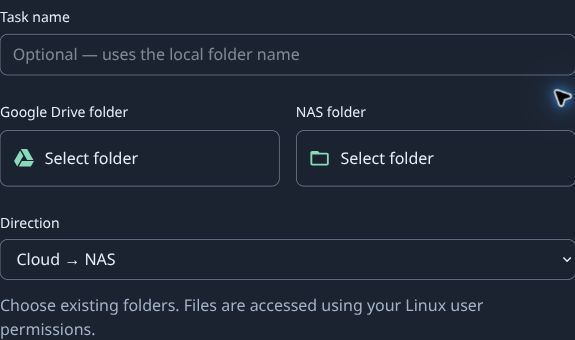
Connect multiple Google accounts and create separate sync tasks. Select a folder on your NAS and one in Google Drive, then choose download, upload or two-way synchronization.
- Three-step setup with visual folder selection
- Pause, retry and inspect sync history
- Google account linking and sign-in; Drive access is authorized separately
08 Monitoring
See the pattern,
not just the moment.
Keep an eye on CPU and memory use, disk activity and network traffic over time. Collection continues while the browser is closed.
- Hour, day and week views
- Desktop widgets for live system and cooling status
- Background tasks and actionable notifications
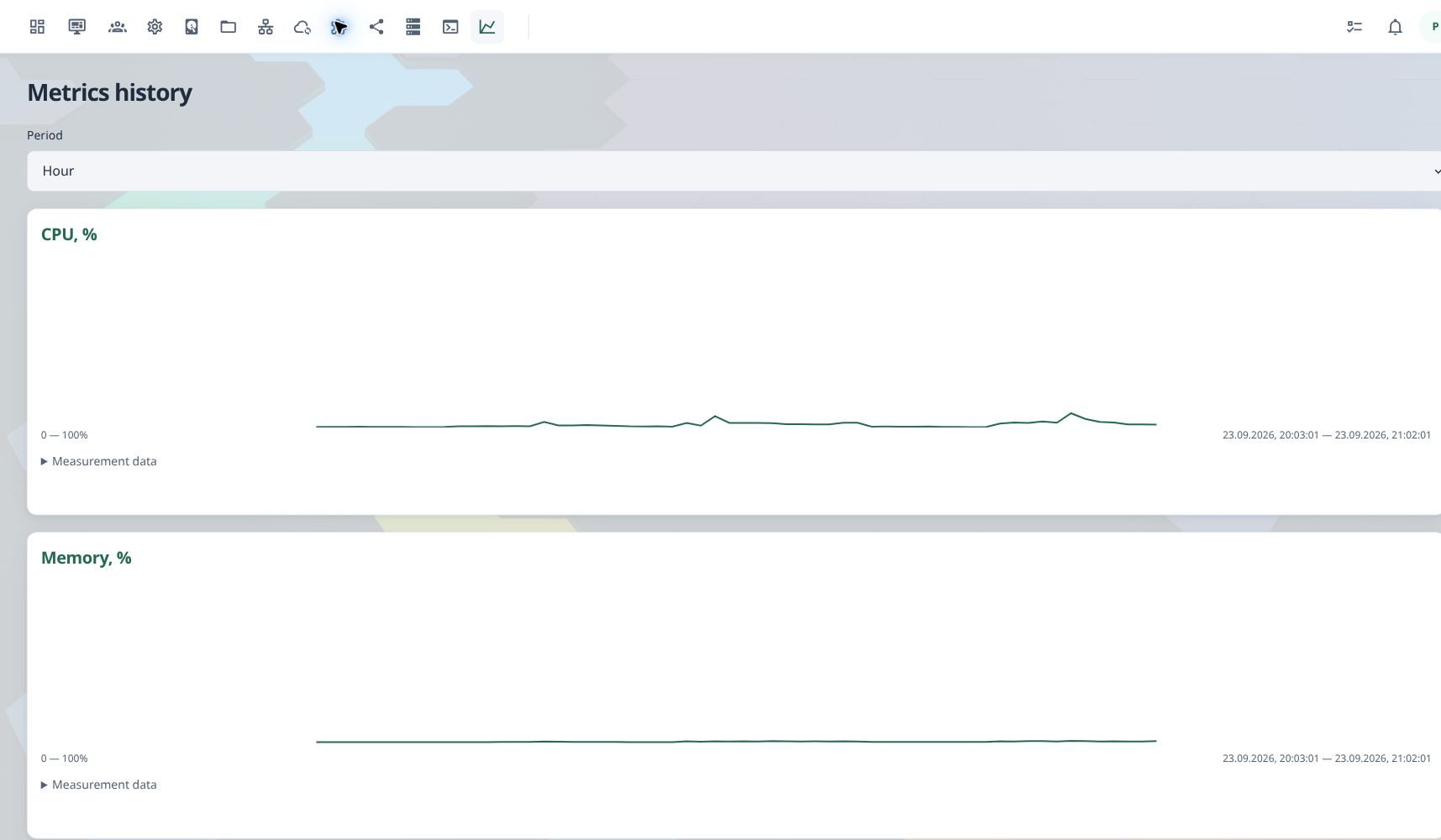
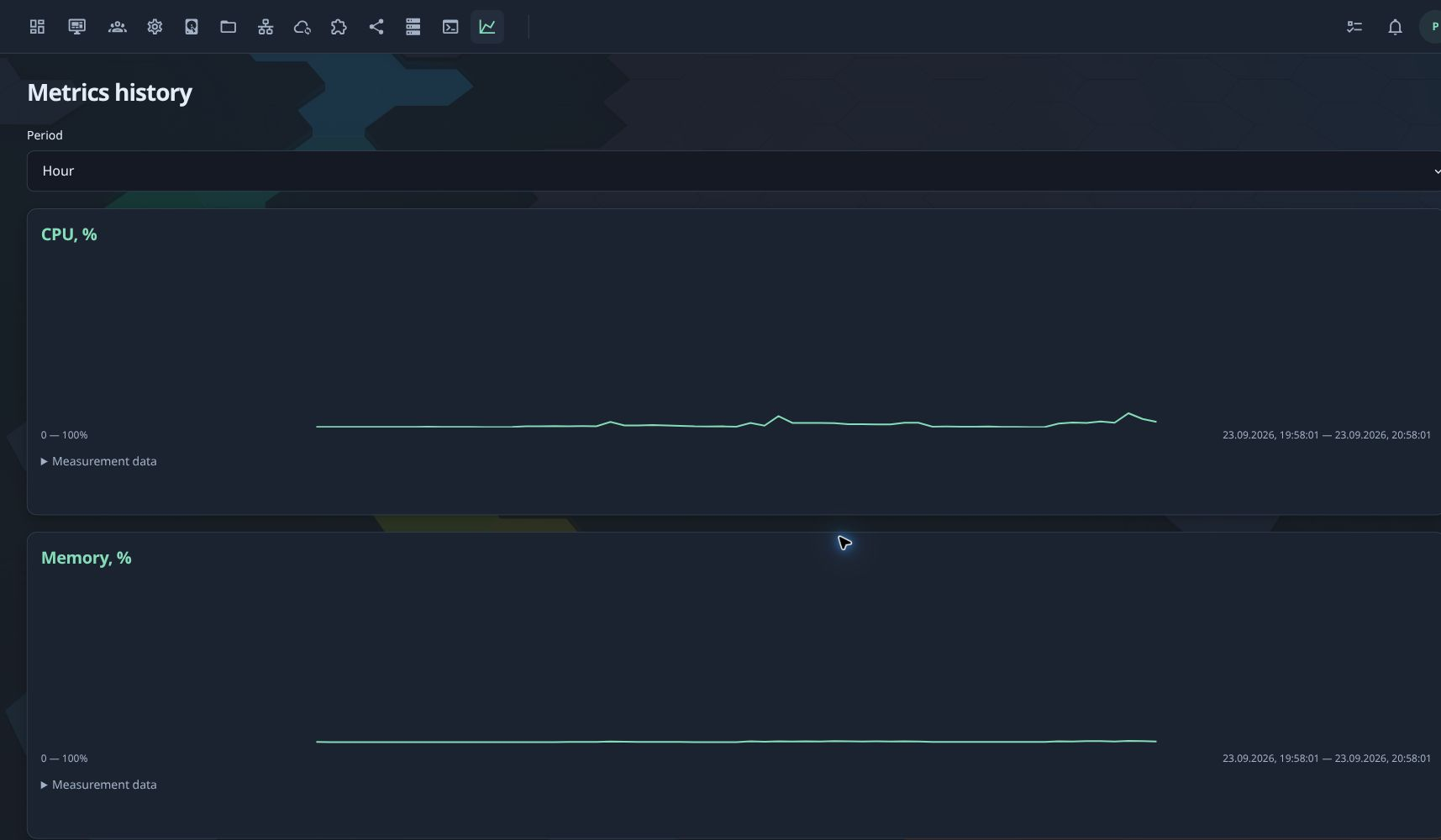
Captured from PaNasMs 0.2.7 on September 23–24, 2026. All screenshots use English; switch between light and dark themes. Cropped views keep personal data out. Setup forms are examples, not submitted changes.
Ready to explore?
Start with your hardware.
Keep your Linux.
PaNasMs installs as a Debian package on top of Linux. It is not a separate bootable operating-system image.
- 1
Choose the ARM64 package
Read the installation guide and select a current testing build for your DIY NAS.
- 2
Install with dependencies
APT installs PaNasMs and the system tools it needs, including RAID and file-sharing services.
- 3
Open your browser
Complete the initial configuration, then sign in with your Linux administrator account.